
The Front-of-House Dilemma
Every restaurant entrepreneur in India faces an architectural decision when outfitting their dining space: should you invest in a bulky, dedicated Point of Sale (POS) billing terminal with desktop monitors, cash drawers, and thermal printers, or can a modern mobile QR ordering system handle all front-of-house operations on its own? Or is the sweet spot a synchronized combination of both?
To answer this question, we must look at how customer behavior and operational demands have evolved. A traditional POS was engineered for the cashier: managing ledger entries, calculating GST, controlling cash floats, and printing paper KOTs. A QR ordering system, by contrast, is engineered for the diner: providing rich visual menus, effortless table ordering, self-customization, and contactless bill requests.
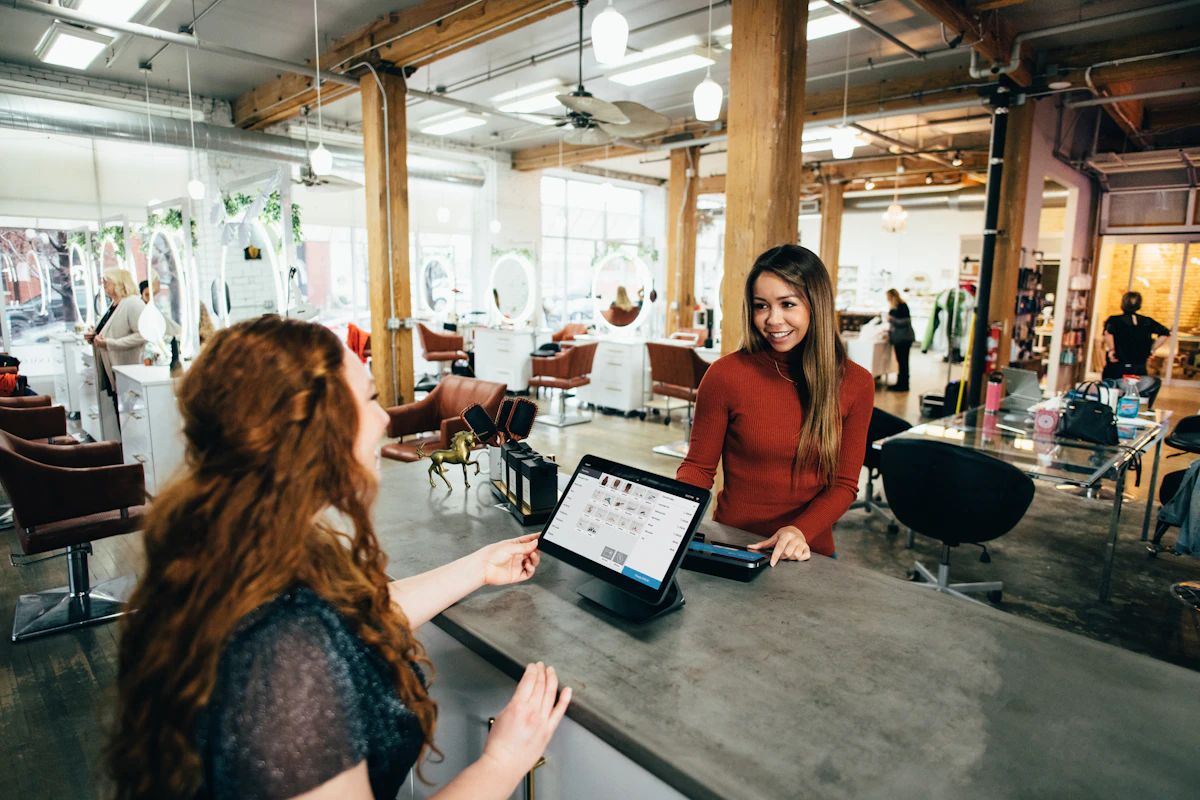
A traditional POS is a centralized record-keeping tool that relies on waiters running back and forth to punch tickets. A QR ordering system is a decentralized guest-facing engine that moves order generation directly to where the food is consumed—the dining table.
Architectural Comparison: Legacy POS vs ScanDine QR
| Operational Area | Traditional Desktop POS | ScanDine QR System |
|---|---|---|
| Hardware Requirements | Heavy touch PC, UPS, thermal printers, LAN wiring (₹60,000 - ₹1,20,000) | Zero specialized hardware (Guests' phones + kitchen tablet) |
| Order Punch Speed | Waiter walks to terminal, logs in, punches items (3–5 mins) | Customer taps order; kitchen receives in < 1 second |
| Order Errors & Disputes | High (misheard verbal notes, illegible handwriting) | Near zero (customer selects exact checkboxes and notes) |
| Upsell Automation | None; depends solely on waiter remembering to upsell | Algorithmic prompts (paired drinks, dessert popups) |
| Peak Hour Scalability | Bottleneck at single cash counter; queues form | Infinite horizontal scale (all 40 tables order simultaneously) |
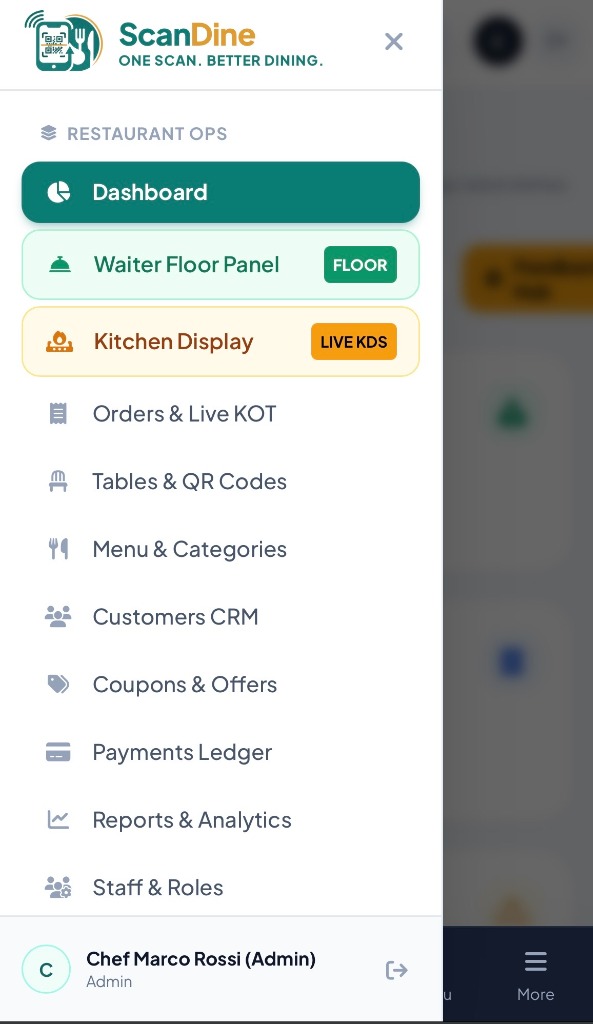
Can ScanDine Completely Replace Your Traditional POS?
For many modern food concepts, the answer is an emphatic YES:
- Quick Service Restaurants (QSRs) & Food Courts: QR menus eliminate line-ups at counter registers, allowing customers to scan, pay, and collect when their token is called.
- Cafes, Rooftops & Microbreweries: Spread across large outdoor patios or multiple floors, running back and forth to a central POS kills service speed. ScanDine's mobile-first ecosystem gives captains and guests full order and billing control at the table.
- Bistros & Fast-Casual Dining: Eliminating a bulky ₹80,000 POS hardware setup saves upfront capital and counter space.
The Hybrid Power Stack: Integrating POS + ScanDine
If you already have a mature legacy billing setup (e.g. Petpooja, Posist, or Tally) handling accounting and inventory ledgers, you do not need to tear it out. Instead, deploy ScanDine as the high-velocity guest-facing frontend. Diners enjoy instant QR browsing, KDS kitchen dispatch, and waiter calling bells, while your backoffice records final settled sales. This provides the best of both worlds without operational disruption.
Frequently Asked Questions
How does bill settlement work if guests pay by cash?
Guests can tap "Pay by Cash / Card" on their digital menu tab. The waiter captain app chimes immediately with the table number, allowing the server to collect physical cash or bring a handheld wireless EDC swipe machine directly to the table.
Does ScanDine support GST invoices and service charge settings?
Yes. ScanDine allows complete tax configuration, including 5% restaurant GST, 18% AC dining tax, custom service charges, and discount coupon codes, outputting compliant digital tax receipts.
Conclusion: Embrace Modern Dining Room Speed
Whether operated as a complete standalone restaurant operating system or alongside your existing backoffice accounting tools, ScanDine elevates customer experience and eliminates dining room bottlenecks. Experience a live demo today.

